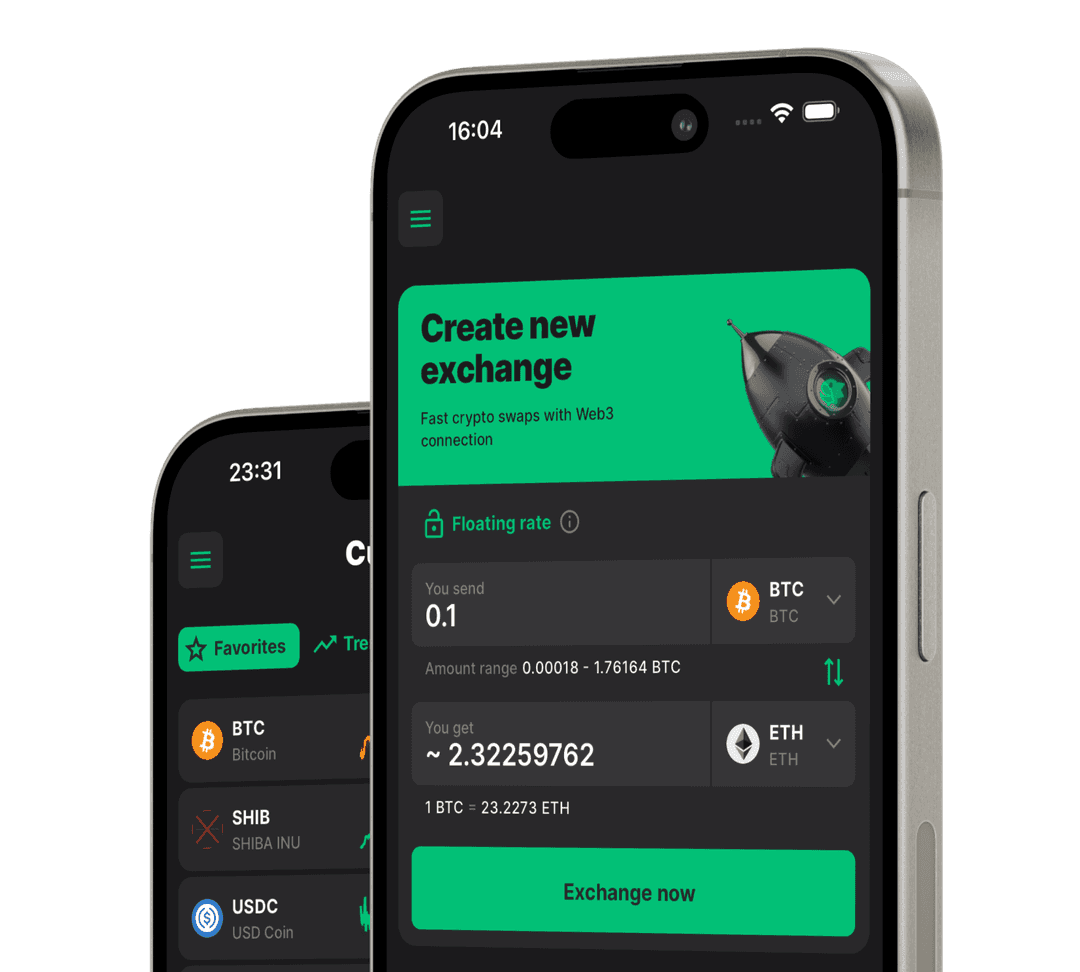
How to use
How to swap coins
1 Details
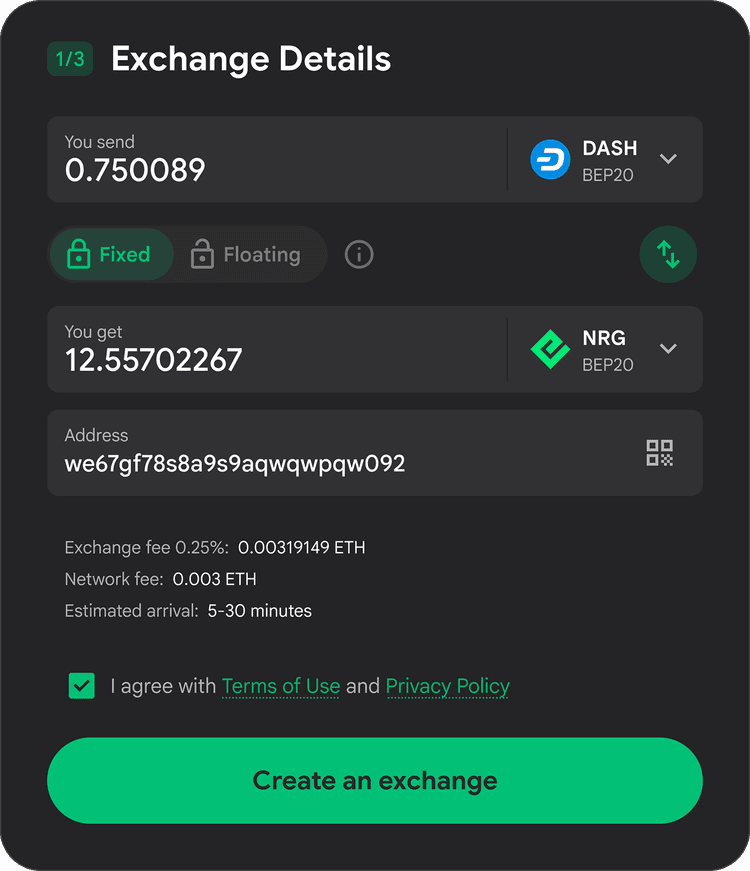
To start the exchange, select the trading pair you are interested in, and in the drop-down list of coins, click on the network in which you will send the deposit and in which you wish to receive the coins.
At this point, you have the option to specify how many coins you want to send.
By default you will have a floating rate selected (it does not guarantee the final receipt amount, it shows an approximate rate and will be determined after confirming the deposit), in order for us to guarantee your receipt amount click on the "lock" to select a fixed rate.
The last action will be to fill in the recipient address, please note that we validate the address for its belonging to the selected network (if you select the Tron network for USDT, we will block the possibility of creating an exchange if you insert the Ethereum address, until you insert the correct address belonging to the Tron network).
2 Processing
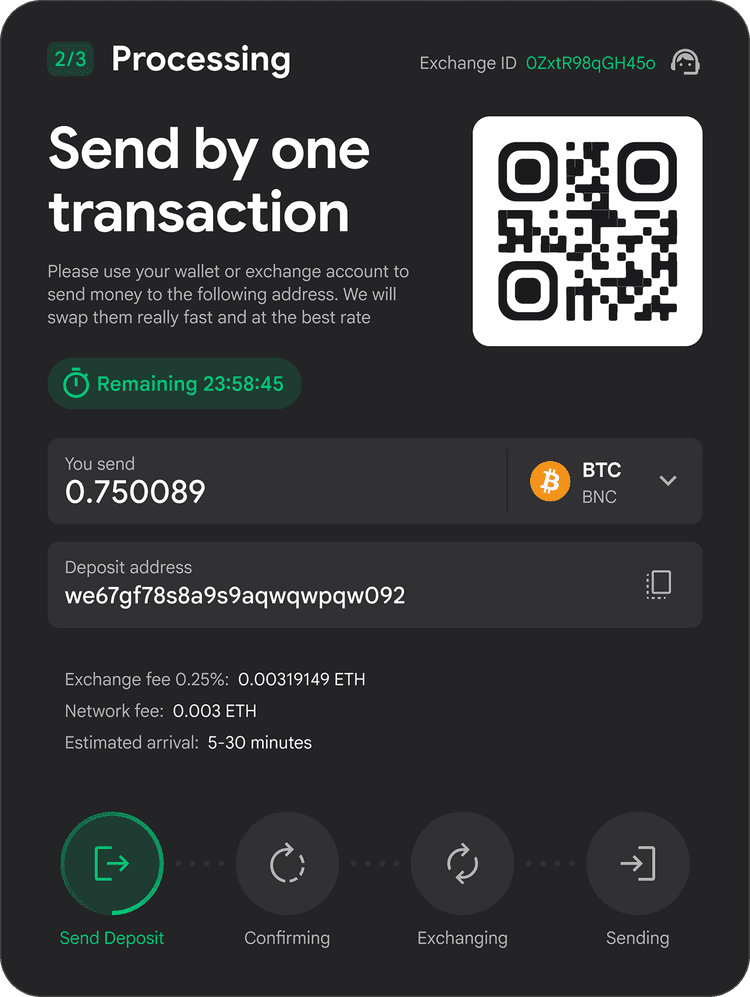
This stage has 4 successful statuses:
• Send Deposit
You will have a second chance to choose which network you want to send deposit, please send deposit only to specified address, only in specified network and if there is MEMO, do not forget to specify it, otherwise funds may be lost.
You will be given a unique exchange number which you can click on to get support and also the time when you have to send your deposit, do not worry if your deposit did not reach in time, it is not dangerous for the safety of funds.
Again to simplify the process we have added the ability to send a deposit using WalletConnect, to do this scan the QR-code and send the transaction through your wallet.
• Confirming
After sending your deposit, wait for the blockchain to confirm your transaction and for it to go through Swapuz confirmation.
• Exchanging
This process goes by lightning fast, so you may not notice it, but at this point your coins are exchanged for receiving coins.
• Sending
This process goes by lightning fast, so you may not notice it, but at this point your coins are exchanged for receiving coins.
3 Finish
Congratulations, after just a few minutes your exchange has gone all the way and is now successfully completed.
In the current status you can see all the final data, as well as contact support if you have any questions.
You can also receive an exchange receipt electronically. To do this, leave your email, and the receipt will be sent to you.
Lets try to swap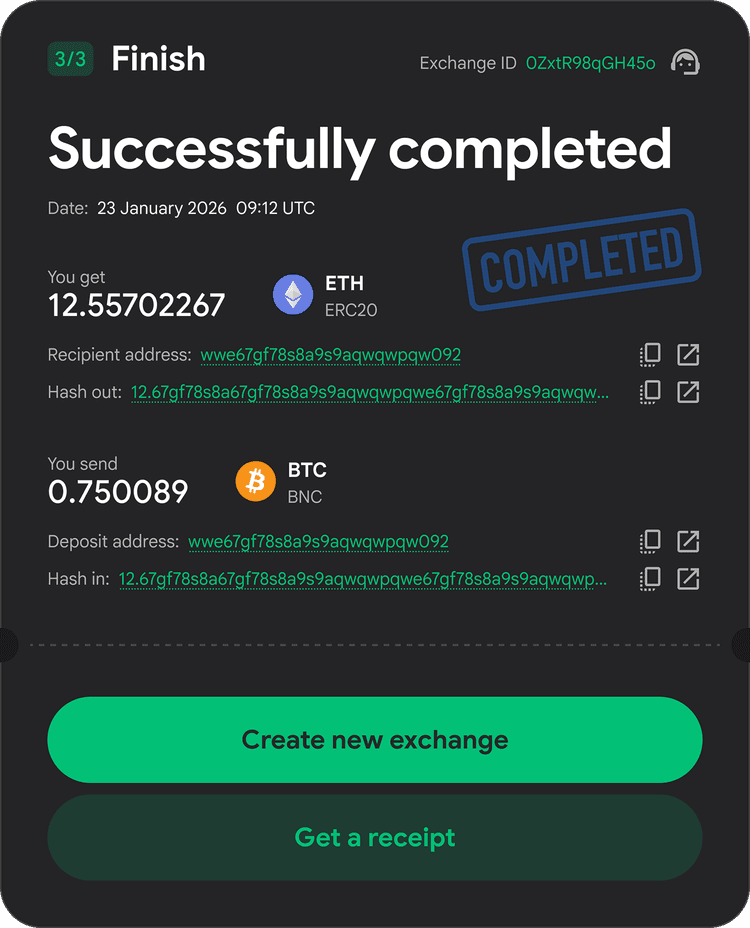
Errors and fuckups
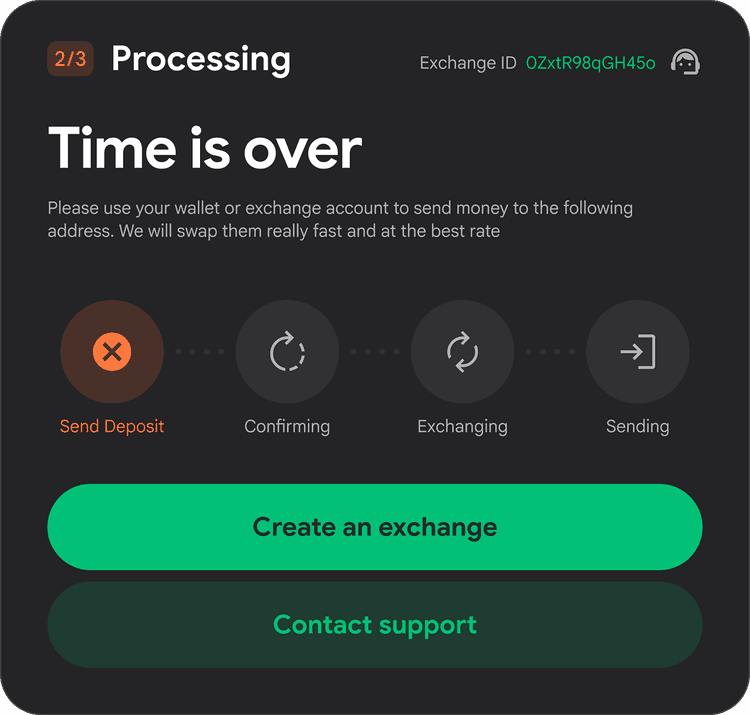
1 Time is over
Unfortunately you did not have time to send the deposit in the specified time, try to create a new swap.
If you sent a deposit and it got stuck or our system doesn't see it, please don't panic, nothing bad will happen, try to contact support or wait a little longer.
2 Oops.. We need a KYC
It seems you have done a bad thing, if we have asked you to go through KYC, regular users should not pay attention to this fuckup, it is extremely rare for more details check out our KYC/AML policy.
3 Refunding
Something went wrong. Don't worry, if you've encountered this issue, please contact support for a refund. Most likely, our system was unable to execute the swap due to technical or market-related reasons.